Change Default Tiers
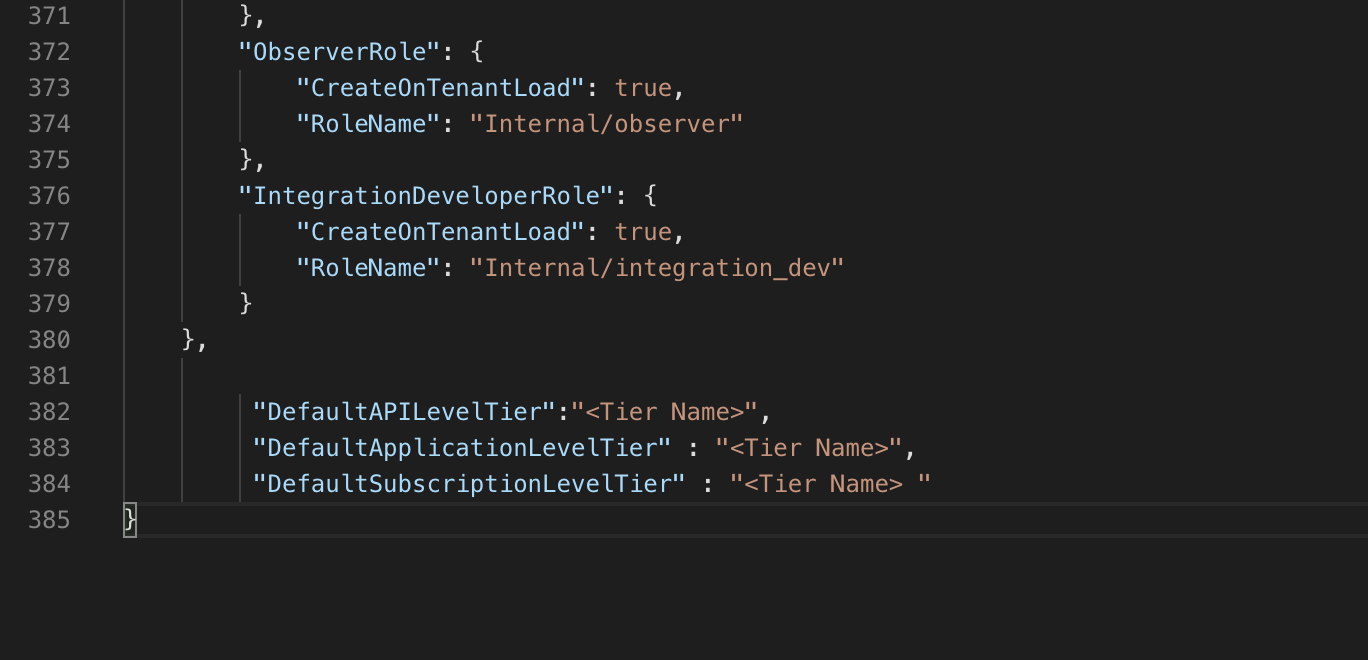
Users can change the default tiers by appending configurations to the Advanced Configurations in the Admin Portal.
Steps to Change Default Tiers
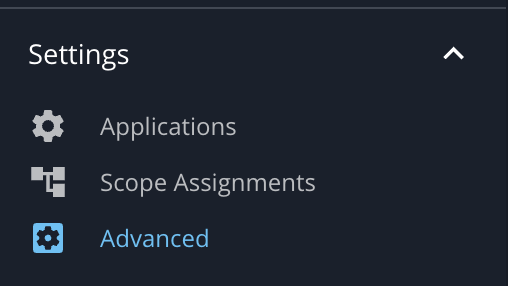
- Log in to the API Manager's Admin Portal (
https://localhost:9443/admin) and go to the Settings > Advanced menu.
-
Append the following configurations to the Advanced Configurations as required.
     "DefaultAPILevelTier":"<Tier Name>",
     "DefaultApplicationLevelTier" : "<Tier Name>",
     "DefaultSubscriptionLevelTier" : "<Tier Name> "