Manage Deny Policies
By denying requests, you can protect servers from common attacks and abuse by users. Tenant administrative users can block requests based on the following parameters:
- Block calls to specific APIs
- Block all calls from a given application
- Block requests coming from a specific IP address
- Block a specific user from accessing APIs
Adding a Deny Policy
To deny a request:
- Log in to the Admin Portal using the URL
https://localhost:9443/adminand your admin credentials. -
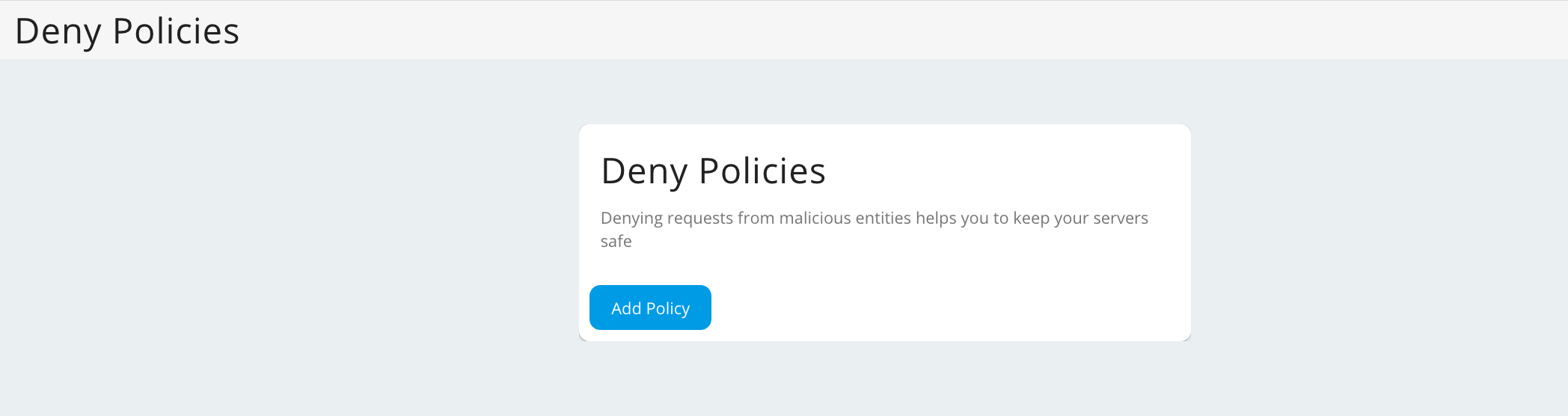
Click Deny Policies under the Rate Limiting Policies section and click Add Policy.
-
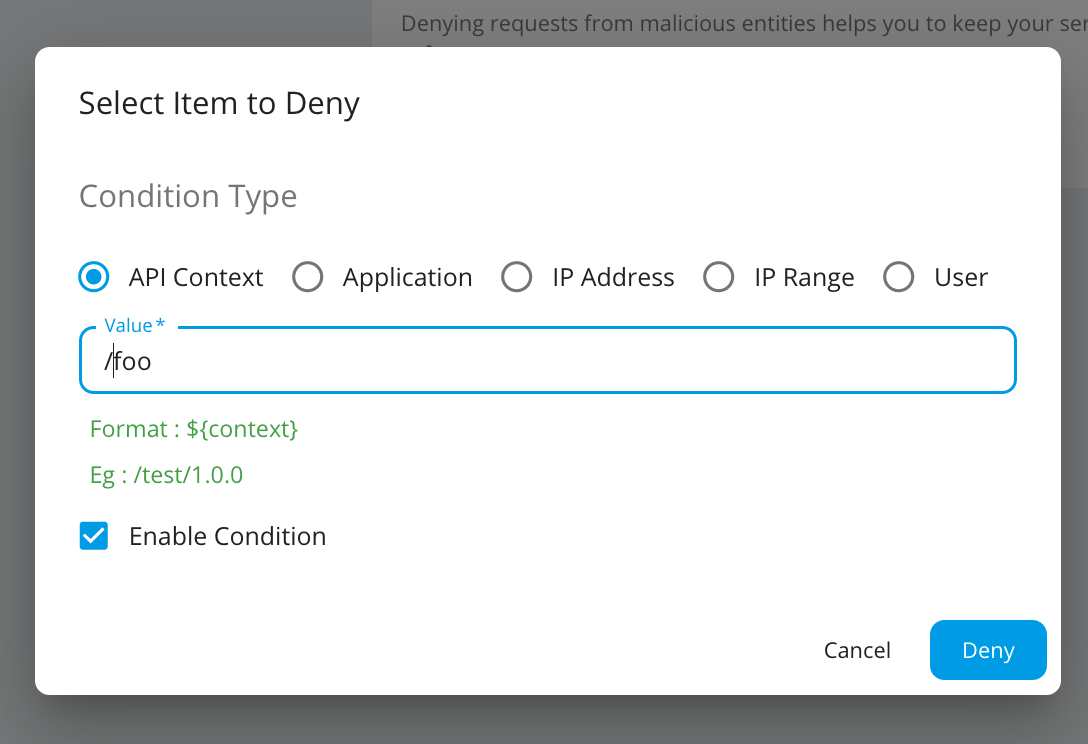
Select the item to deny, enter a value and click Deny.
Note
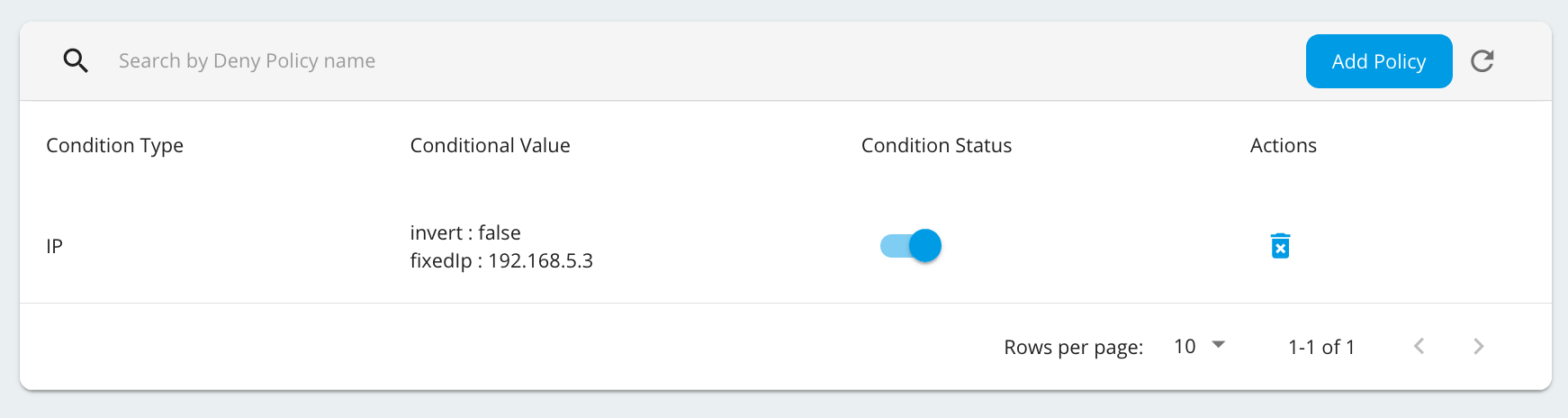
You can temporary switch on/off the denied condition by enabling/disabling the Condition status that is auto enabled when a denied condition is created.
Example: Denying an API
Let's see how to deny requests to a specific API.
- Log in to the Admin Portal using the URL
https://localhost:9443/adminand your admin credentials. - Click Deny Policies under the Rate Limiting Policies section and click Add Policy.
-
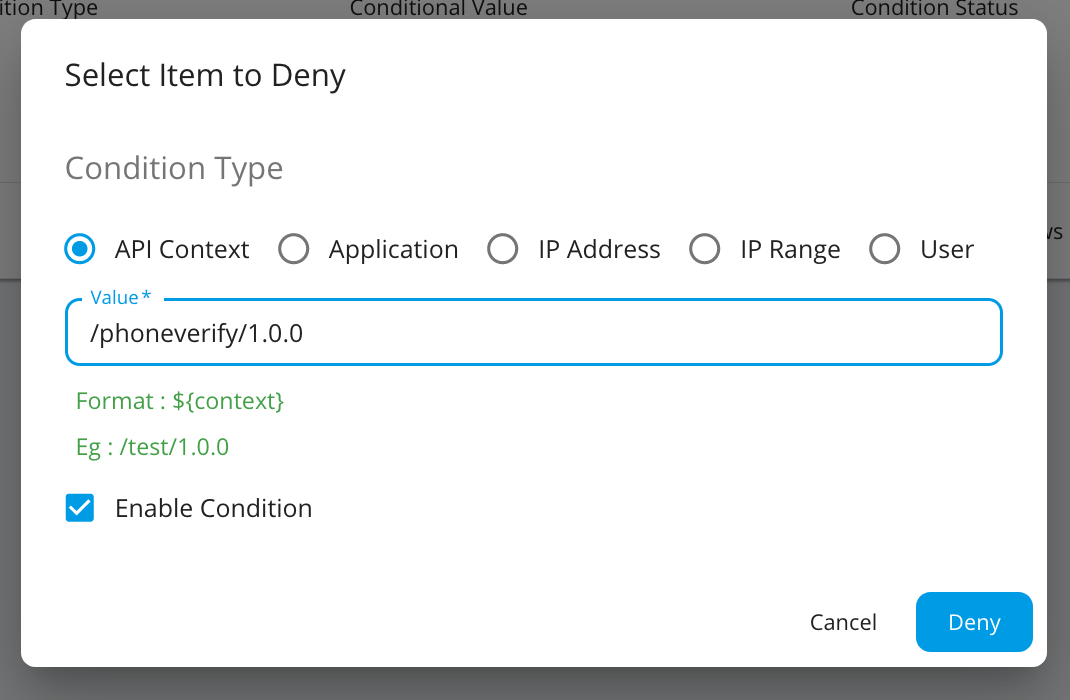
Select API Context and provide the Context of the API with version as the Value.
-
Click Deny.
The API will now be blocked. When users attempt to invoke the blocked API, they will receive an error response.