Custom AI Service Providers
You can integrate WSO2 API Manager with custom AI Service Providers to consume their services via AI APIs. This guide walks you through configuring a custom AI Service Provider to manage and track AI model interactions efficiently.
Step 1 - Add a new Custom AI Service Provider
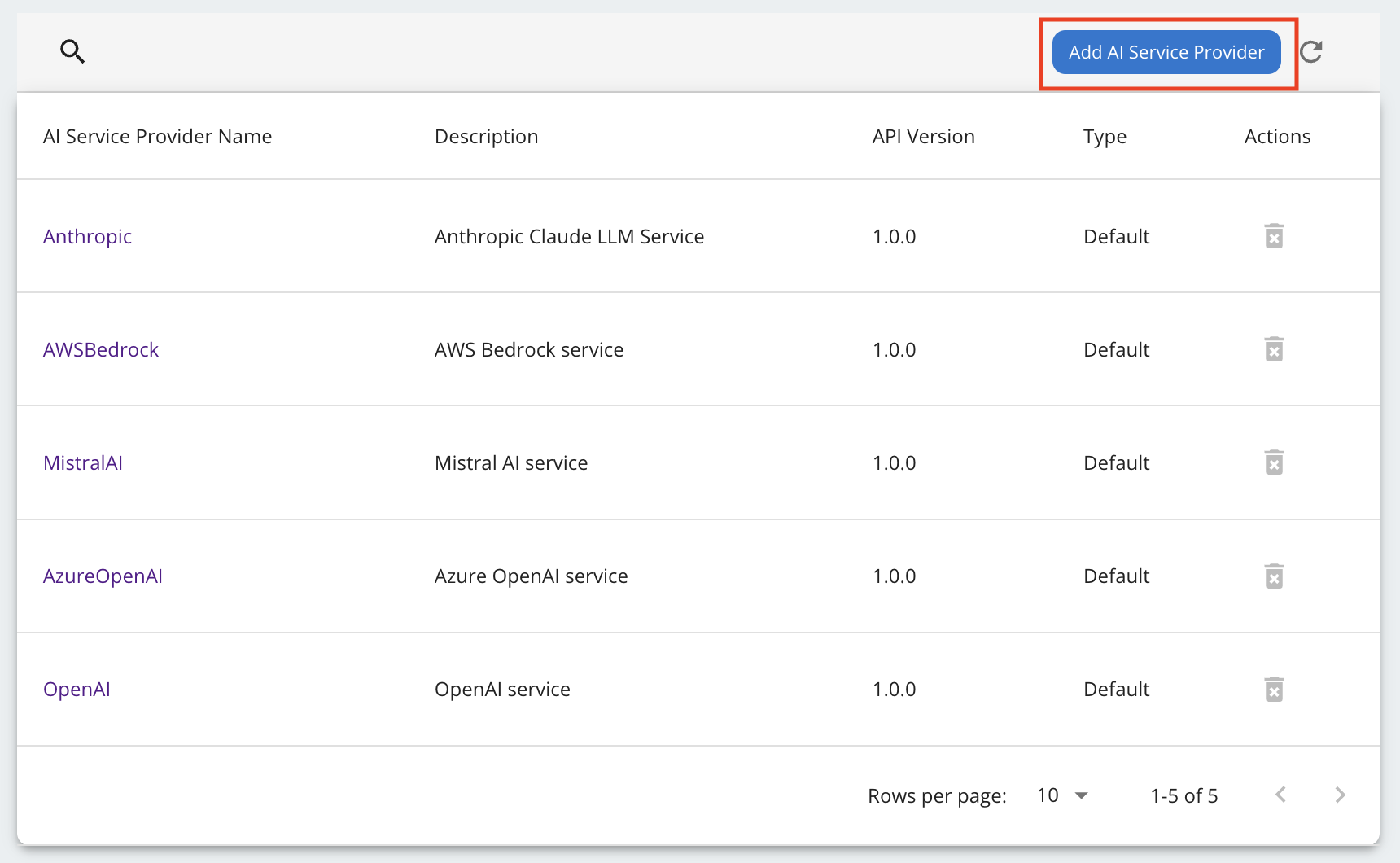
Navigate to the AI Service Providers section in the WSO2 API Manager admin portal sidebar, and click Add AI Service Provider.
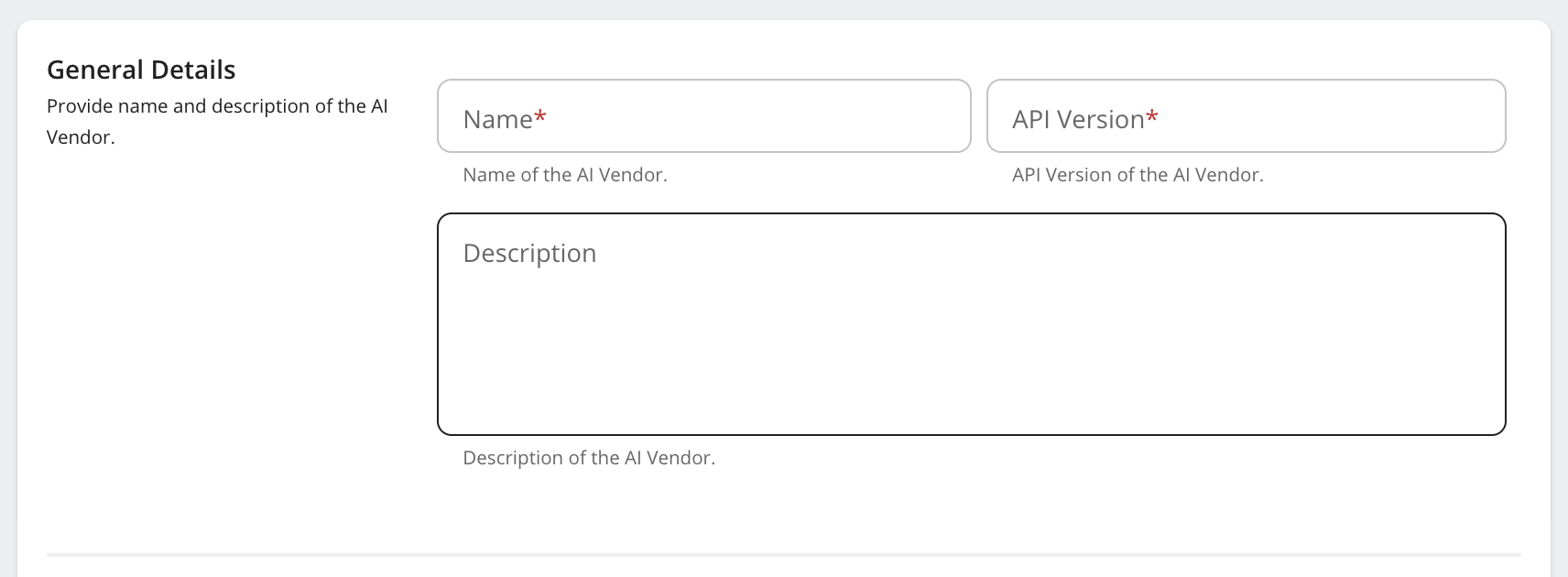
Step 2 - Provide the AI Service Provider Name and Version.
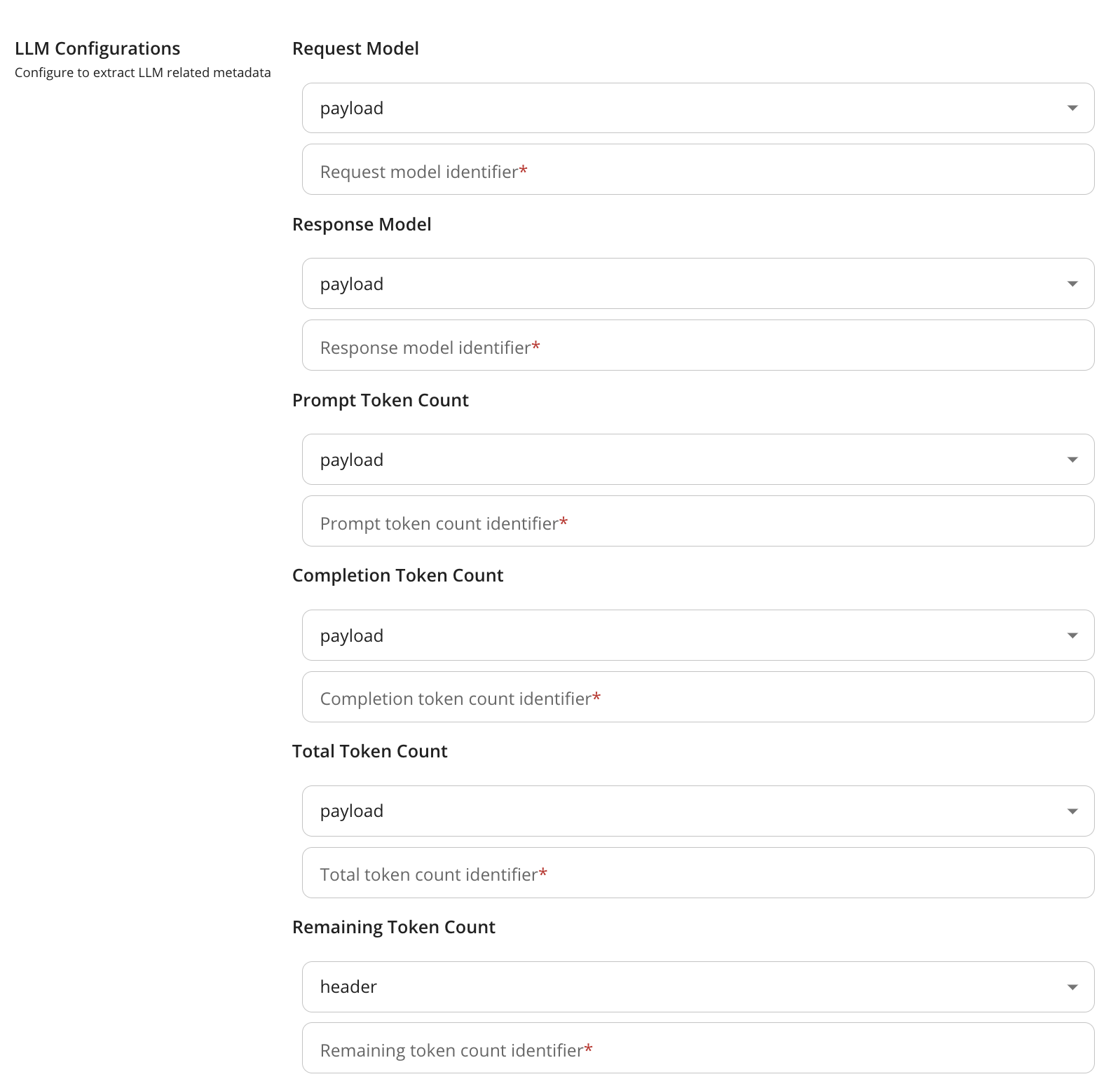
Step 3 - Configure Data Extraction for AI Model and Token Usage.
This step involves configuring the extraction of key information from request/response flow.
| Field | Description | |
|---|---|---|
| Request Model Name | Name of the AI Model in the request | |
| Response Model Name | Name of the AI Model responding to the request | |
| Prompt Token Count | Number of tokens consumed by the request prompt | |
| Completion Token Count | Number of tokens consumed by the AI Model response | |
| Total Token Count | Number of tokens consumed by both request prompt and AI Model response | |
| Remaining Token Count | Remaining token count available for use | |
-
If the data is in the payload, specify the appropriate JSON path to extract the values.

Mistral AI Response Payload
Below outlines the structure of a sample Mistral AI response payload and provides details on how specific fields can be extracted using JSON paths.
{ "id": "cmpl-e5cc70bb28c444948073e77776eb30ef", "object": "chat.completion", "model": "mistral-small-latest", "usage": { "prompt_tokens": 16, "completion_tokens": 34, "total_tokens": 50 }, "created": 1702256327, "choices": [ { "index": 0, "message": { "content": "string", "tool_calls": [ { "id": "null", "type": "function", "function": { "name": "string", "arguments": {} } } ], "prefix": false, "role": "assistant" }, "finish_reason": "stop" } ] }- Extracting model information:
- The
modelfield is located at the root level of the response payload. - Valid JSON Path:
$.model
- The
- Extracting prompt token count:
- The
prompt_tokensfield is nested within theusageobject. - Valid JSON Path:
$.usage.prompt_tokens
- The
- Extracting completion token count:
- The
completion_tokensfield is also nested within theusageobject. - Valid JSON Path:
$.usage.completion_tokens
- The
- Extracting total token count:
The
total_tokensfield is located within theusageobject.- Valid JSON Path:
$.usage.total_tokens
- Valid JSON Path:
- Extracting model information:
-
If the data is in the header, provide the header key.

-
If the data is in a query parameter, provide the query parameter identifier.

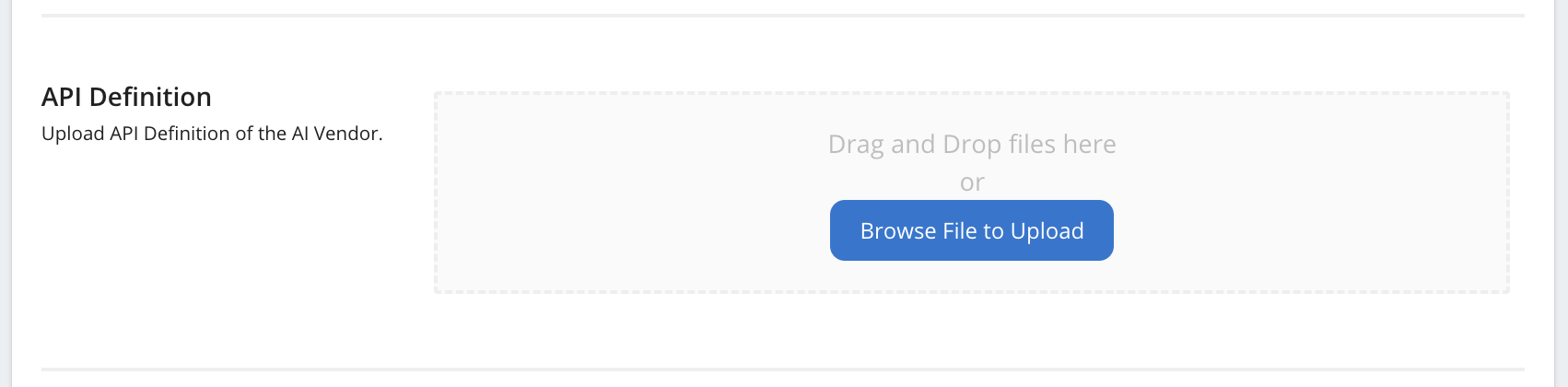
Step 4 - Upload the API Definition.
Upload the OpenAPI specification file provided by the custom AI service provider. This step defines the API endpoints and operations that the service provider offers.
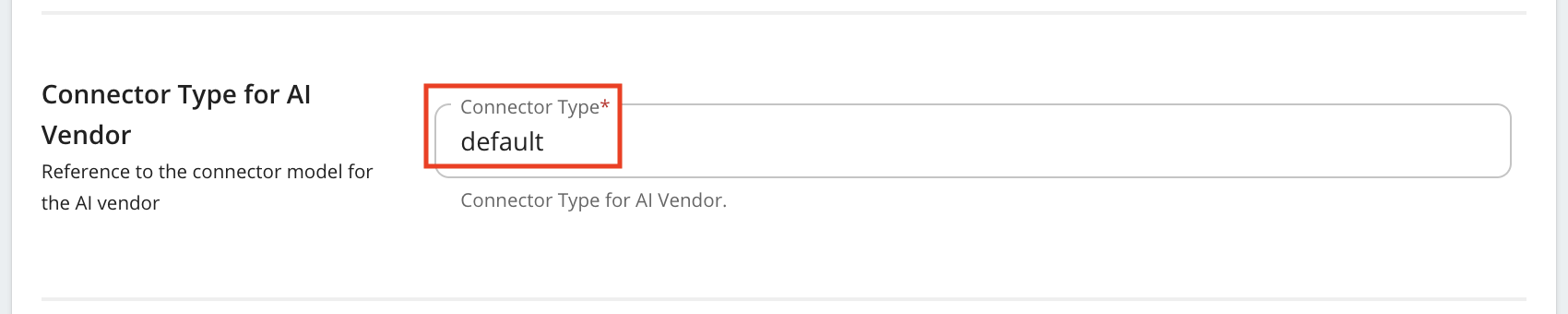
Step 5 - Configure the Connector Type.
Note
The default connector type is a built in connector to extract AI model name, prompt token count, completion token count, total token count from the response.
To write your own connector follow
Write a connector for a Custom AI Service Provider.