Assign Business Plans (Subscription Tiers)
When you publish an API, you must define the limits under which applications can consume it. You do this by assigning Subscription Tiers (Business Plans). These tiers act as a contract between the API provider and the consumer; for example, a Gold tier might allow 5000 requests per minute, while a Silver tier restricts access to 2000 requests per minute.
Subscription tiers effectively differentiate your product offerings, allowing you to monetize your APIs by charging higher rates for developers requiring larger quotas or bandwidth.
Tip
Subscription tiers are defined by Administrators in the Admin Portal. As a Publisher, you select which tiers to make available for your API. For information on creating custom business plans, see Adding a new subscription-level Rate Limiting tier.
How Quotas Work
Limits can be enforced based on:
- Request Count: The number of requests over time (e.g., 5000 req/min).
- Bandwidth: The amount of data transferred over time (e.g., 500 MB/hour).
These limits are applied collectively across all users of a single application subscribed to the API and can be considered as a shared quota among all users of an application that access that API.
Note
In clustered Gateway deployments, subscription tier limits are enforced consistently across all Gateway nodes.
Assigning Tiers in the Publisher Portal
To apply Subscription-level Rate Limiting tiers to an API:
- Log in to the API Publisher.
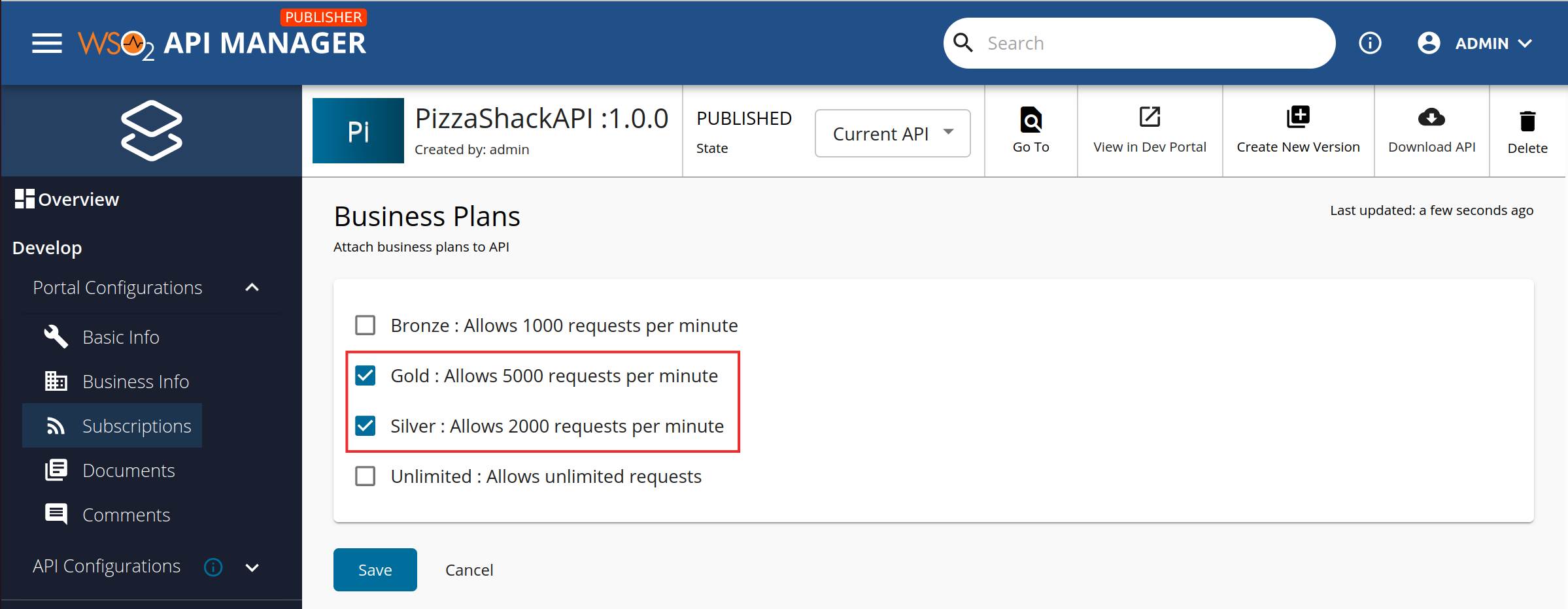
- Select your API and navigate to Portal Configurations > Subscriptions.
- Select the desired tiers from the list.
Default Tiers
The system includes the following default tiers:
- Bronze: 1000 requests per minute
- Silver: 2000 requests per minute
- Gold: 5000 requests per minute
- Unlimited: Allows unlimited access.
Business Plans for AI APIs
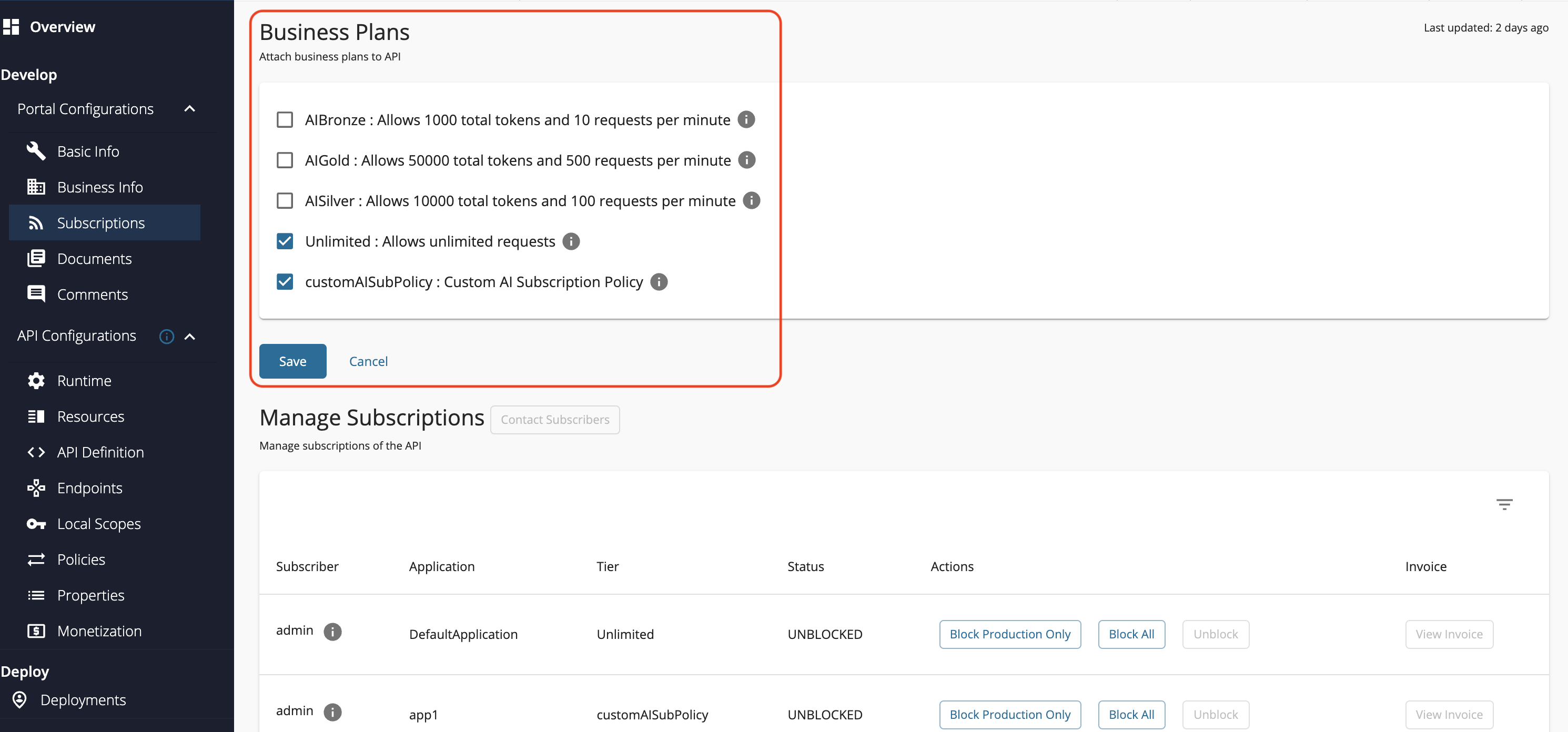
API Creators need to select a minimum of one business plan when creating an AI API through the API-M Publisher Portal. These business plans can be either a default business plan or a custom business plan created through the API-M Admin Portal. The business plans are used to enforce rate limiting by allowing you to limit the number of events via the AI API during a given period of time.
Burst Control (Spike Arrest)
When selecting subscription tiers for your API, it's important to understand whether those tiers include burst control configuration. Burst control is defined at the subscription tier level by Administrators and determines how granularly rate limits are enforced within the broader subscription quota.
Burst control protects your backend services from sudden traffic spikes and Denial of Service (DoS) attacks by enforcing limits at a granular level within a subscription tier.
While a subscription tier defines a quota for a longer period (e.g., 1000 requests per hour), it does not inherently prevent a user from consuming that entire quota in the first few seconds. Burst control resolves this by distributing the load evenly throughout the time window.
For instance, if a subscription tier allows 1000 requests per hour, you can add a burst control limit of 25 requests per minute. This ensures the application cannot consume the full hourly quota instantly, protecting your backend from sudden spikes.
Note
The time period specified for burst control must always be smaller than the time period of the corresponding subscription tier. Note that burst control limits apply only to request counts, not data bandwidth.
By default, burst control limits are enforced locally on each Gateway node. For clustered deployments where you need consistent enforcement across all nodes, you can configure distributed counters using Redis. See Configuring Distributed Throttling for details.
See Also
- For more information on creating and configuring subscription level policies, see Managing Subscription Policies.